
Description
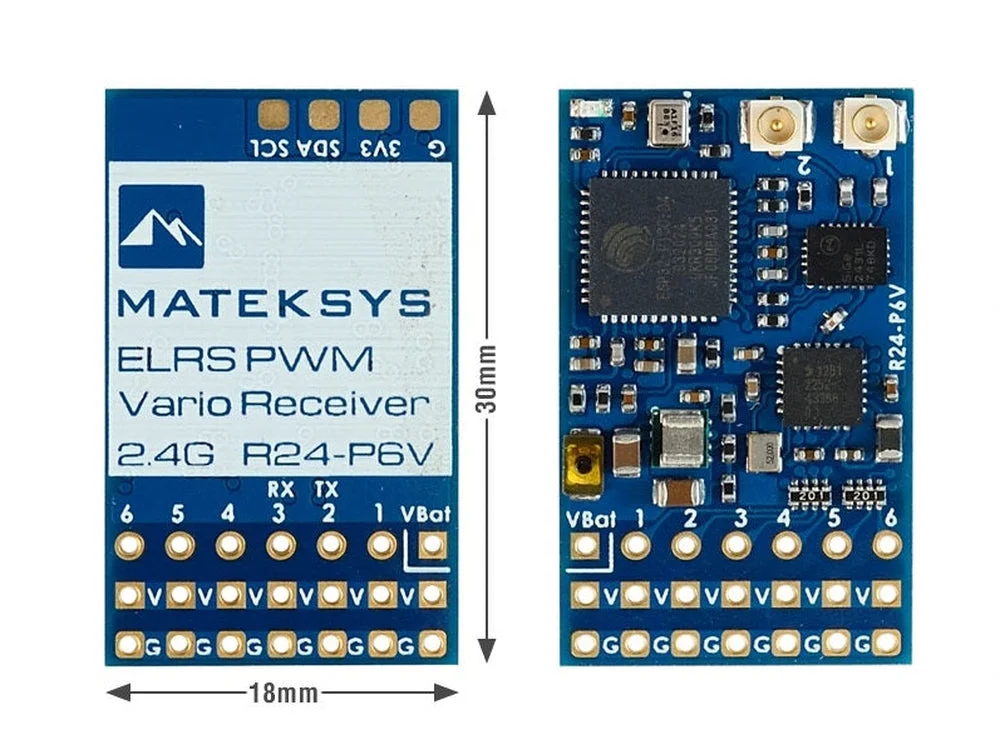
ExpressLRS 2.4GHz dual antenna PWM vario receiver, perfect for those needing connectors for servos. Improved performance with dual antennas, PA/LNA, 22.5dBm(180mW) telemetry power, and more.
Specifications:
- ESP32-PICO-D4, SX1281, ExpressLRS Firmware
- PA/LNA: SE2431L
- RF Frequency: 2.4GHz ISM
- Telemetry power: 22.5dbm (180mW)
- Diversity: Antenna-switching, default ANT1
- Barometer SPL06-001 (Vario)
- Receiver output: 6x PWM CH
- VBAT voltage sense: 0~25.5V
- Antenna connector: IPEX MHF-1
- Power supply: 4-13V DC @ “V” Pad
- Power dissipation: 60mA~80mA@5V IN
- PCB size: 30mm x 18mm
- Weight: 4g w/ antenna
Firmware:
- ExpressLRS, wiki, Click HERE
- Receiver Target:Generic ESP32 PWM Vario 2.4Ghz RX, /or RadioMaster ER6-GV, /or RadioMaster ER6-G
- Receiver has ExpressLRS 3.3.2 preloaded with binding phrase “123456”, the Receiver will never enter binding mode if using the traditional binding procedure.
- You need to reflash it with your binding phrase OR connect it to your PC/phone via WiFi and set your binding phrase in WebUI.
Tips:
- Full Resolution Switch Configuration Modes
- Powering receiver with Reverse Voltage will damage the regulator chip. DOUBLE CHECK the power wires connected to the receiver.
- Transmitter fw version should be EdgeTX 2.7.1/OpenTX 2.3.15 or newer
Flashing via Wifi
- Power on receiver. Receiver’s LED(Red) will blink slow at first, and after 30s, it should blink fast indicating it’s on Wifi Hotspot Mode.
- Wifi SSID “ExpressLRS RX”, Password “expresslrs”
- More detailed steps, pls refer this page.
Flashing via UART
- Disconnect ESC and servos from receiver first.
- Wire the receiver into the USB-TTL adapter, with TX(PWM 2 pin) on receiver connected to the Rx on the USB-TTL, and RX(PWM 3 pin) on receiver connected to the Tx of the USB-TTL. Wire 5V and GND of the USB-TTL to “V” and GND of the Receiver.
- Press the boot button while powering on the receiver, then release – the Red LED on receiver should now be solid on.
- In configurator, Select the target Generic ESP32 PWM Vario 2.4Ghz RX, or RadioMaster ER6-GVand “UART” for Flashing Method, set your bind phrase and Firmware Options , Check “erase before flash” and “Force FLash “.
- Web-flasherhttps://expresslrs.github.io/web-flasher/
Includes:
1x Matek ELRS-R24-P6V ExpressLRS 2.4GHz PWM Vario Receiver
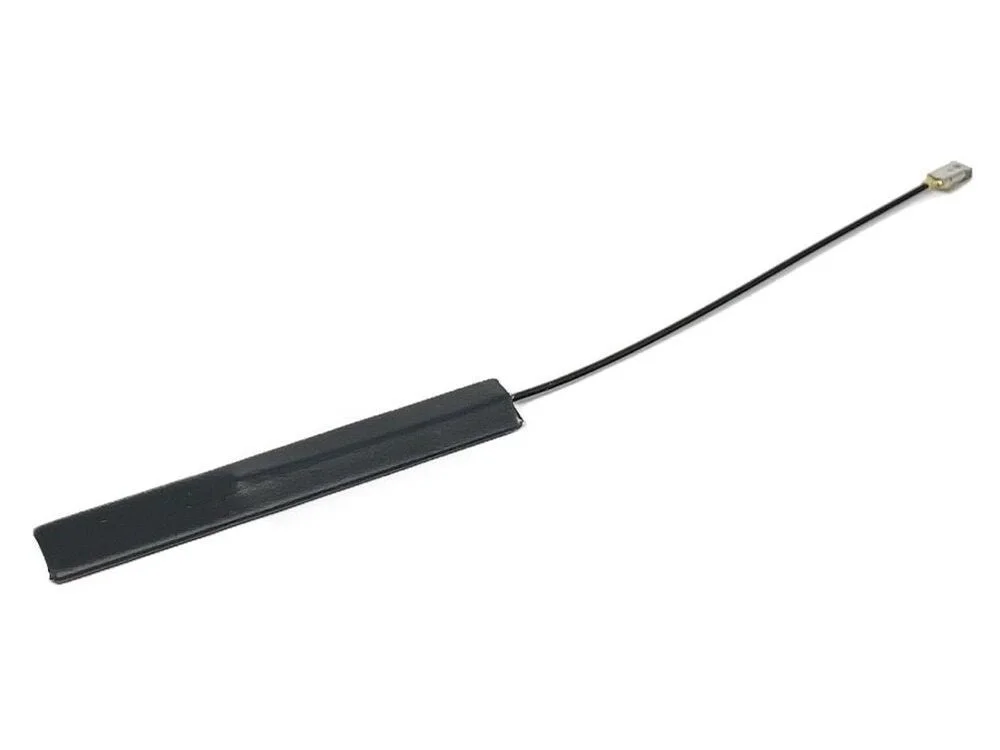
2x IPEX MHF1 Antennas 15cm
Dupont 2.54 Pins (Board is shipped unsoldered)



Reviews
There are no reviews yet.